 FILE TRANSFER
Gaia Transfer
Send files browser-to-browser. No server stores anything. AES-256 encrypted, peer-to-peer.
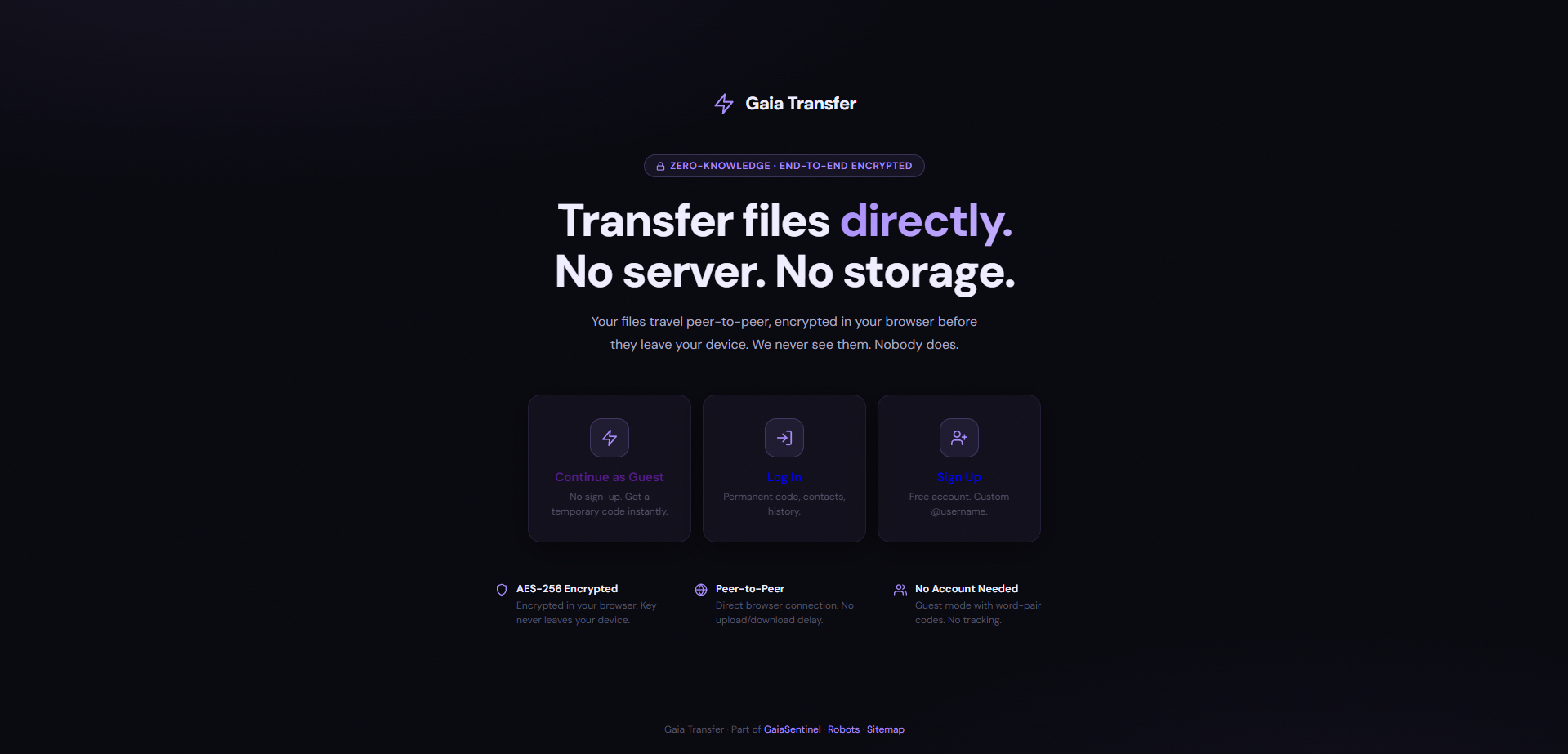
Every file transfer service uploads your file to their server first. We don't. Your file is AES-256 encrypted in your browser before it even leaves your device. The connection between sender and receiver is peer-to-peer through WebRTC — direct browser to browser. We literally cannot see your files. No account needed for quick transfers. You get a word-pair code (like 'blue-elephant'), share it with the person you're sending to, they enter it, and the file transfers directly. If you want an account, you get a custom @username, contact list, and transfer history. Three modes: Guest (instant, no sign-up), Login (permanent code, history), Sign Up (free account, custom username).
- AES-256 encryption — encrypted in-browser before leaving your device
- Peer-to-peer via WebRTC — no upload/download delay, no server storage
- Guest mode with word-pair codes — no tracking, no account needed
- Account mode with custom @username, contacts, and transfer history
- No file size limit (constrained only by browser memory)